[Busan] Building Agents on a Budget
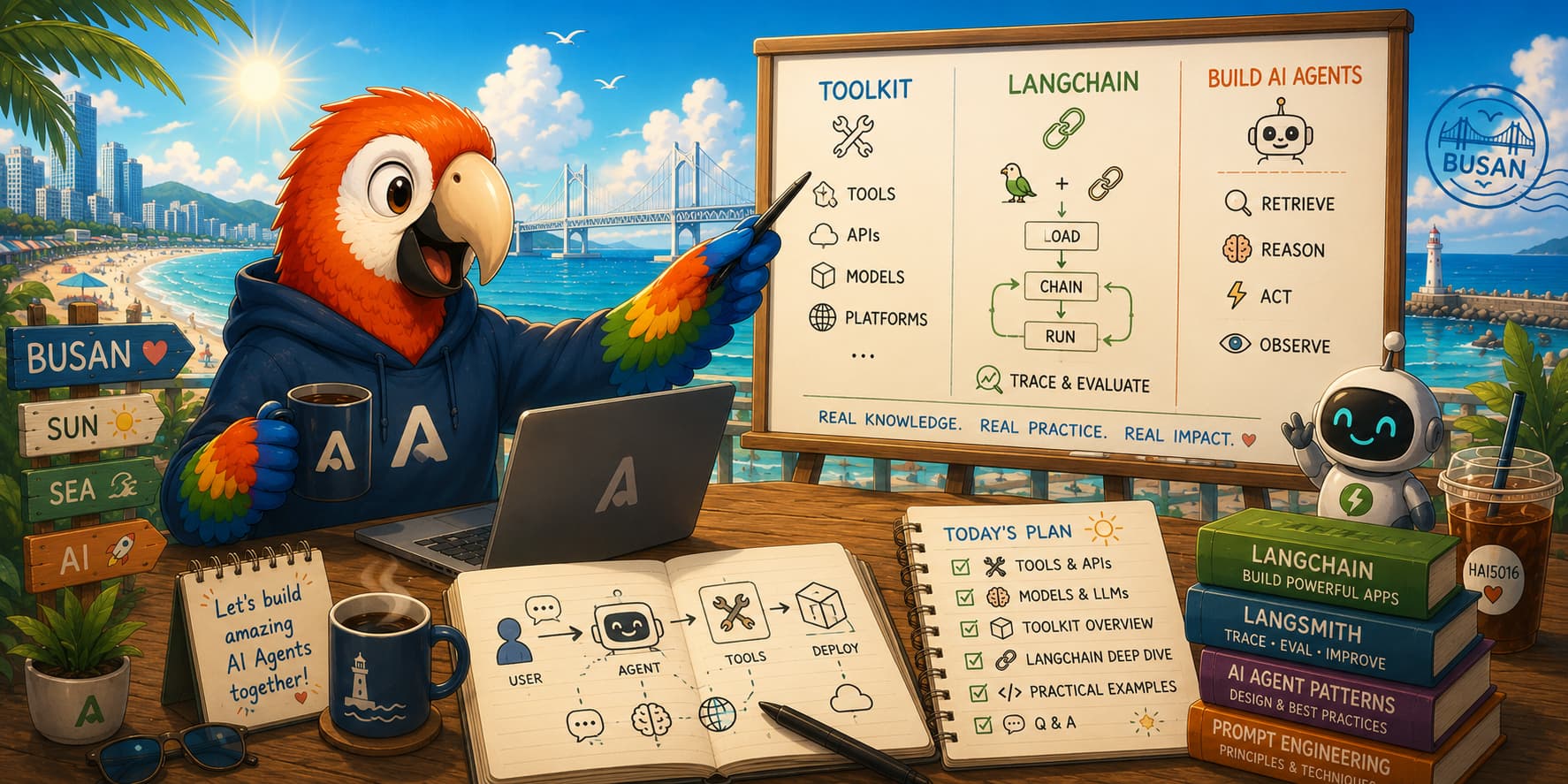
Here you can find all the links you need to pick up if I managed to inspire you. Thanks for having me today, Busan!
The Toolkit
These three tools form the foundation. They are free, cross-platform, and play nicely together.
| Tool | What it is | Download |
|---|---|---|
| Visual Studio Code | The editor we used today | code.visualstudio.com |
| UV | A blazing-fast Python package and project manager | docs.astral.sh/uv |
| Git | Version control for your code | git-scm.com |
I have created auto-install scripts for both Windows and Mac/Linux that set up UV, Git, and VS Code with the Python extension. Take a look here if you are on Windows, and here if you are on Mac or Linux.
The Tools
The AI-powered bits. Both have free tiers for students — sign up before you start coding.
GitHub Copilot
An AI pair programmer that feels at best inside VS Code. It auto-completes code, explains errors, and comes with several agentic modes out of the box. You can even use it to create your own custom agents.
- GitHub Copilot Quickstart: docs.github.com/en/copilot/get-started/quickstart
- Sign up for students: GitHub Student Developer Pack
- Supported AI models in GitHub Copilot: docs.github.com/en/copilot/reference/ai-models/supported-models
Azure AI Foundry
Microsoft’s AI model garden, where they provide Models as a Service (MaaS) and a suite of tools to build agents on top of them. You can use Azure’s models in LangChain with just a few lines of code via OpenAI-compatible APIs.
- Azure AI Foundry portal: ai.azure.com
- Sign up (free Azure for Students credit): azure.microsoft.com/free/students
Pricing details:
- OpenAI models: azure.microsoft.com/en-us/pricing/details/azure-openai/
- Grok models: azure.microsoft.com/en-us/pricing/details/ai-foundry-models/grok/
- DeepSeek models: azure.microsoft.com/en-us/pricing/details/ai-foundry-models/deepseek/
LangChain
The Python framework for wrapping LLMs in agents and giving them tools to interact with the world.
- Docs: python.langchain.com
- Conceptual guide (agents): python.langchain.com/docs/concepts/agents
Create your first agent
Find the instructions to create your first agent in my tutorial here.
Make sure to save your Azure OpenAI API key and endpoint information in a .env file in the root of your project:
1
2
3

AZURE_OPENAI_KEY=your_api_key_here
AZURE_OPENAI_ENDPOINT=https://your_resource_name.openai.azure.com/
AZURE_OPENAI_DEPLOYMENT=your_deployment_name_here
LangSmith
A tool for monitoring and debugging your agents in real time. It provides insights into the agent’s decision-making process, making it easier to identify and fix issues.
- LangSmith portal: smith.langchain.com
Api’s may used in the demo
- Exchange Rate API: exchangerate-api.com
- Quickstart Guide: docs.apilayer.com/exchangeratesapi/docs/quickstart-guide
- API endpoint for latest exchange rates with KRW as the base currency:
1

  https://v6.exchangerate-api.com/v6/API_KEY/latest/KRW
Weather API
- Sign up: weatherapi.com/signup.aspx
- API Keys (after registration): weatherapi.com/my/
- API endpoint for current weather in Busan:
1

  http://api.weatherapi.com/v1/current.json?key=API_KEY&q=Busan&aqi=no
Other snippets
1

/create-instructions this project is for a demo today and I want to keep it super simple. We are using UV for python package managment, use Azure OpenAI models en langchain for basic agent demonstration (memory, tools). Only use very common well tested libraries if needed