
[BAM5121] The AI assisted BI Kit
Let’s take a little break from Power BI. In today’s hands-on session, we’ll use PostgreSQL, CloudBeaver, and Metabase to explore sales data, ask AI business questions, and investigate how shared me...
Let’s take a little break from Power BI. In today’s hands-on session, we’ll use PostgreSQL, CloudBeaver, and Metabase to explore sales data, ask AI business questions, and investigate how shared me...
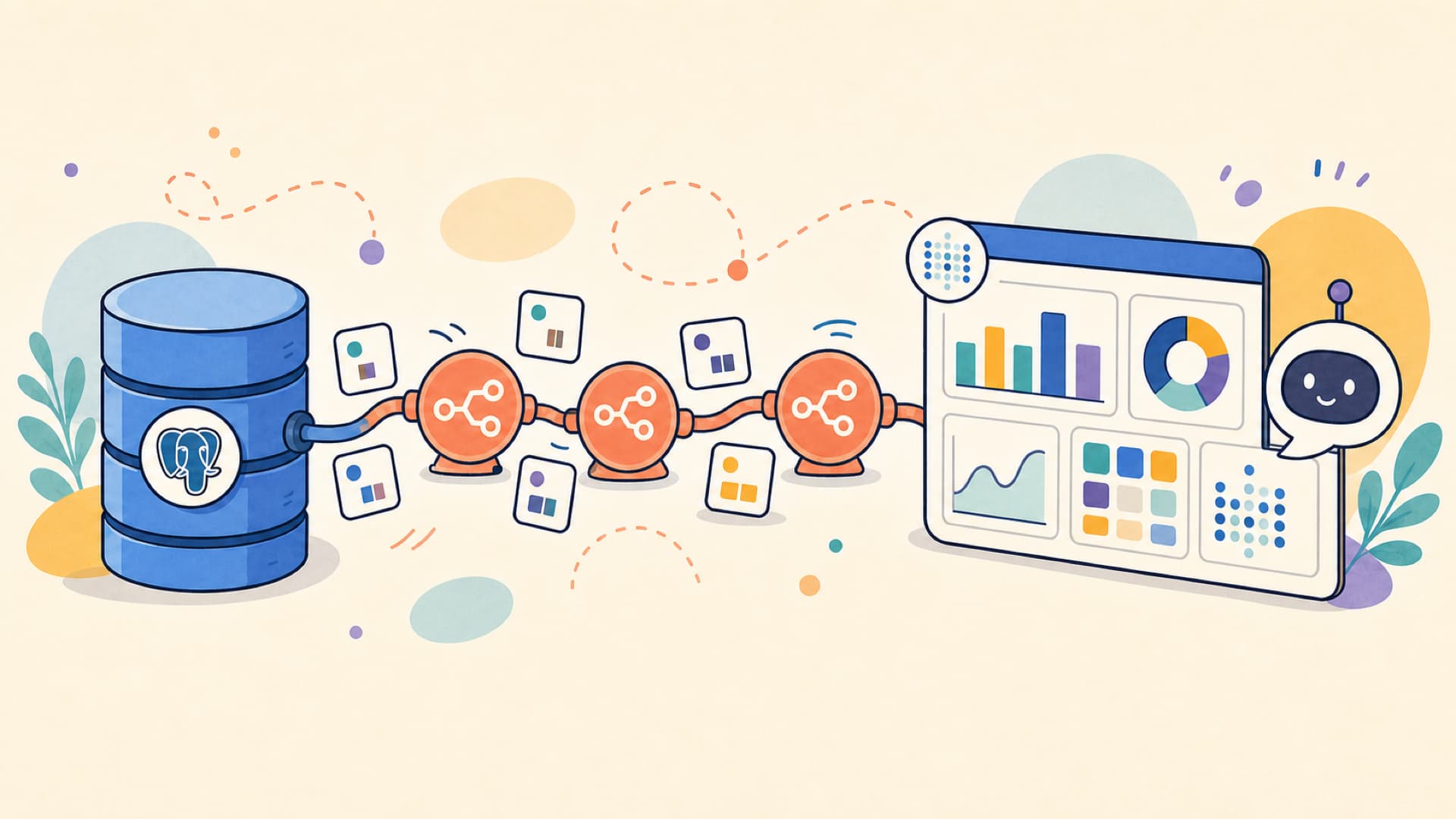
Today, let’s explore how to build a self-service BI solution on a budget. We will use a combination of open-source tools and AI to create a powerful and cost-effective solution that can help you an...
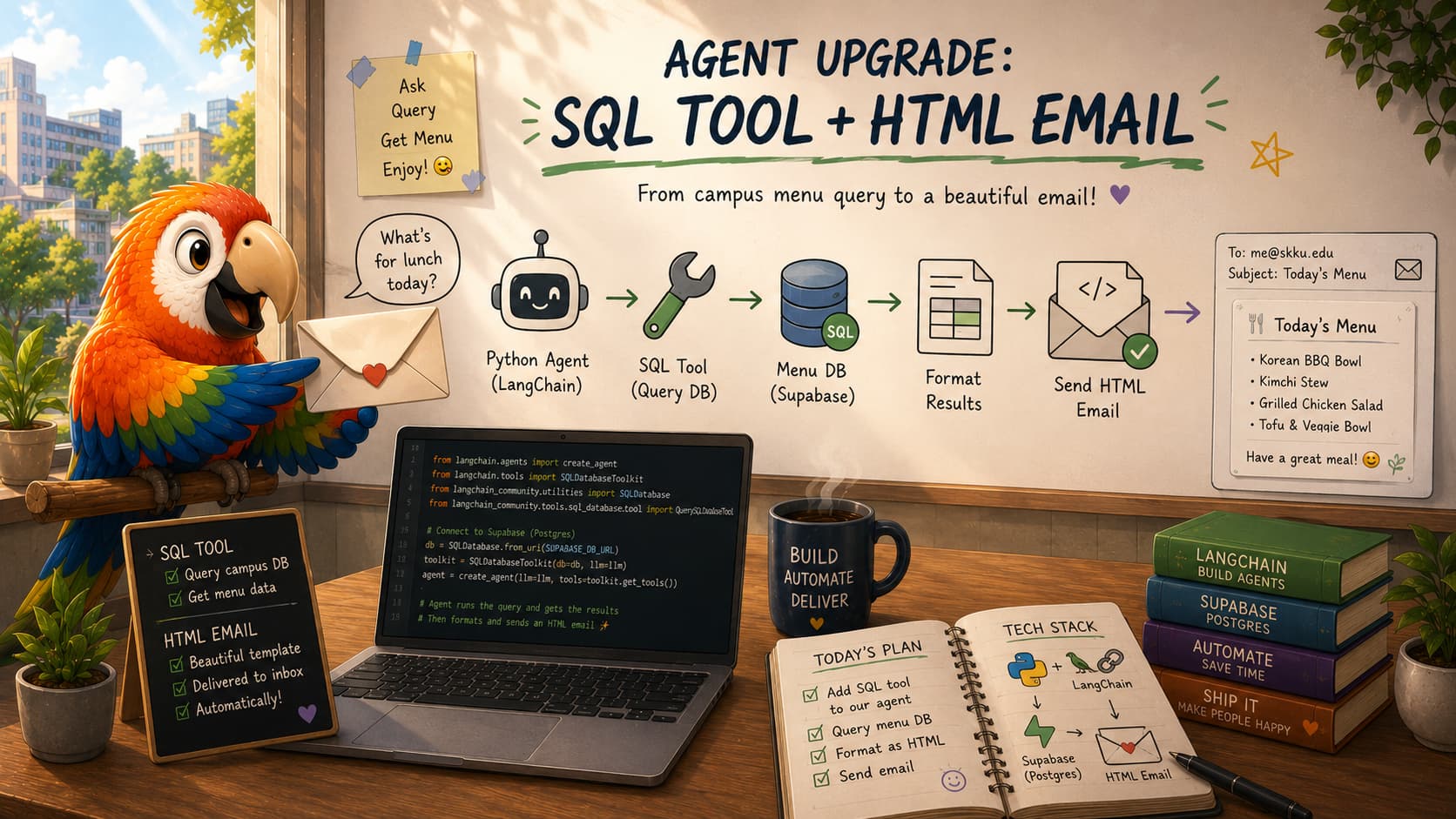
In our final class, we will connect the last pieces of the semester into one end-to-end workflow. First we add a menu scraping function from GitHub and run it with GitHub Actions, then we add a par...
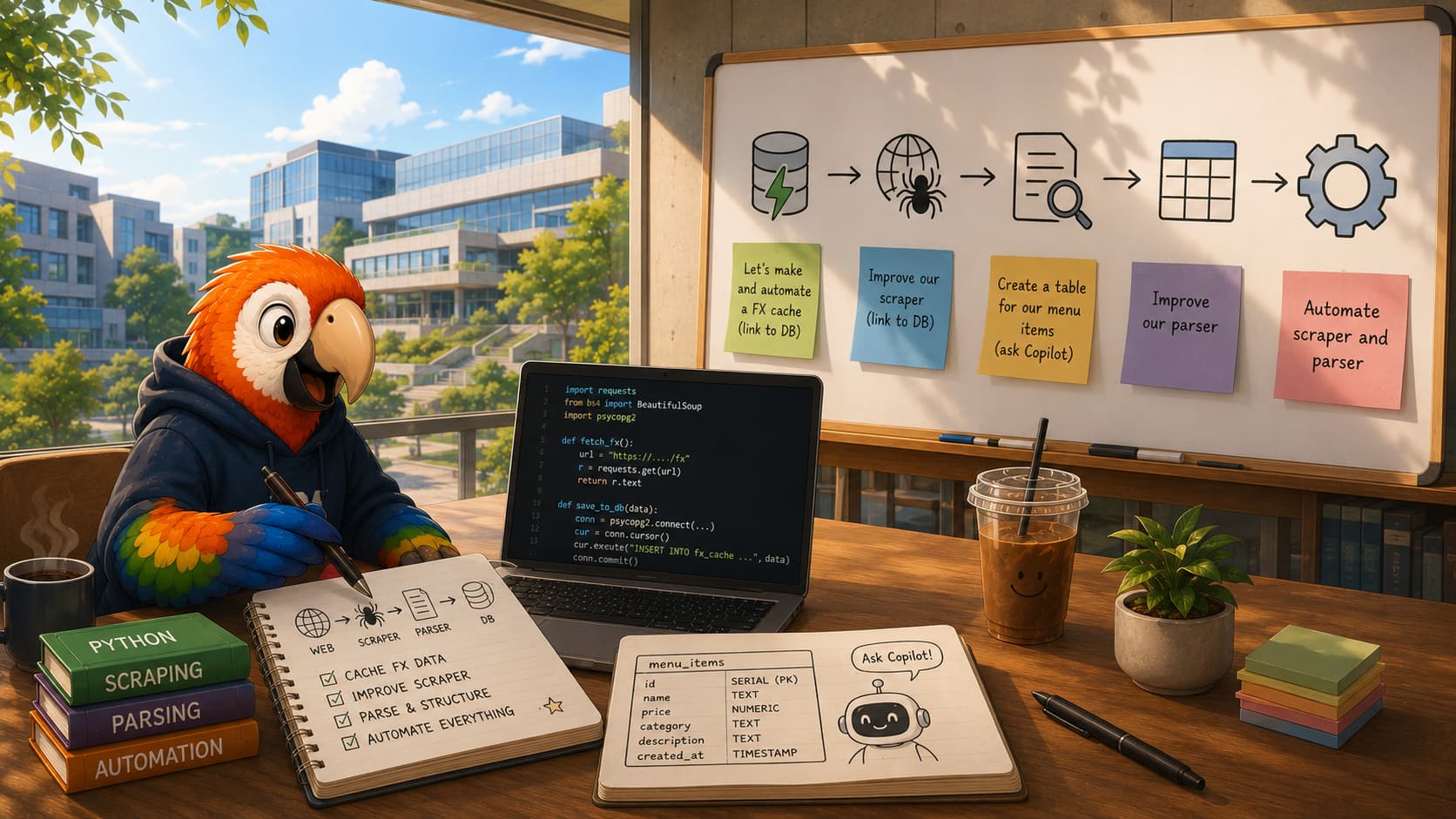
During class today we moved our get_fx function from the agent development notebook into a standalone script called exchangerates.py. This script fetches the latest exchange rates from an API and u...
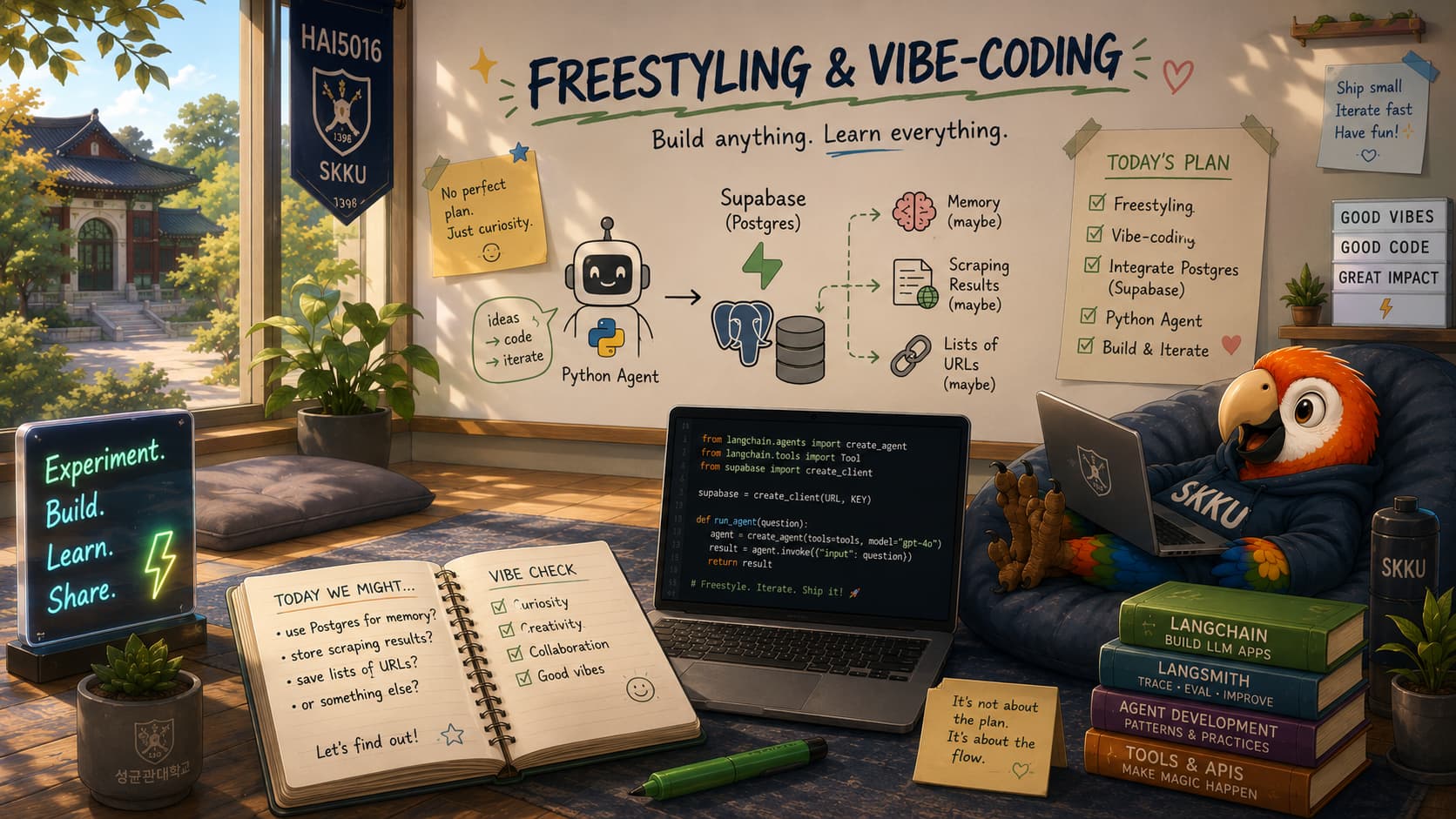
This week, we upgrade our agent project from local-only experiments to a cloud database setup. We will connect GitHub Copilot to Supabase through MCP so you can create tables, inspect data, and upd...
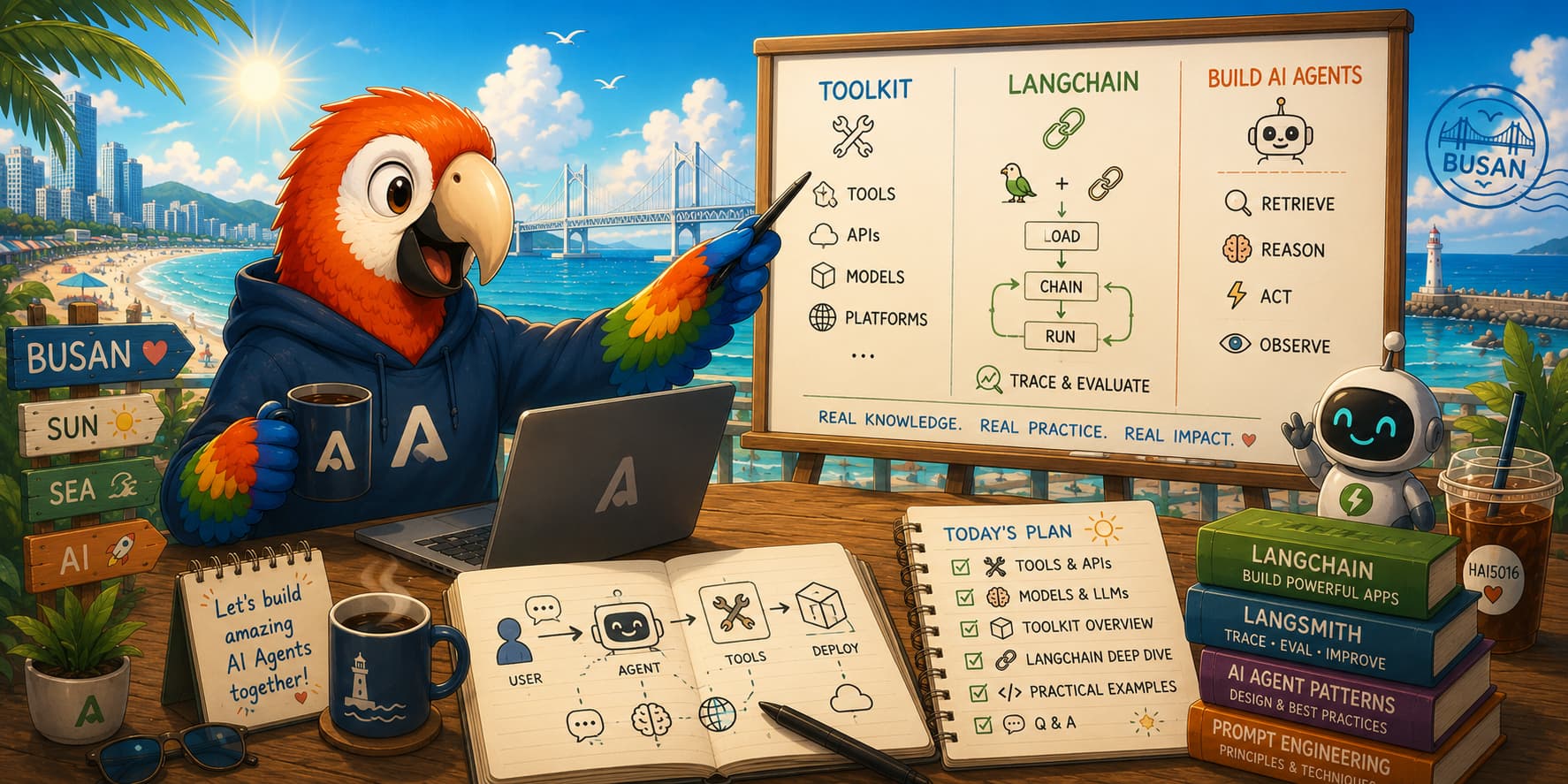
Here you can find all the links you need to pick up if I managed to inspire you. Thanks for having me today, Busan! The Toolkit These three tools form the foundation. They are free, cross-platf...

In our previous class we wrapped our Azure model in a LangChain agent gave it some tools to interact with outside of its inbuilt knowledge. We built a simple web-scraping tool and a dummy FX conver...
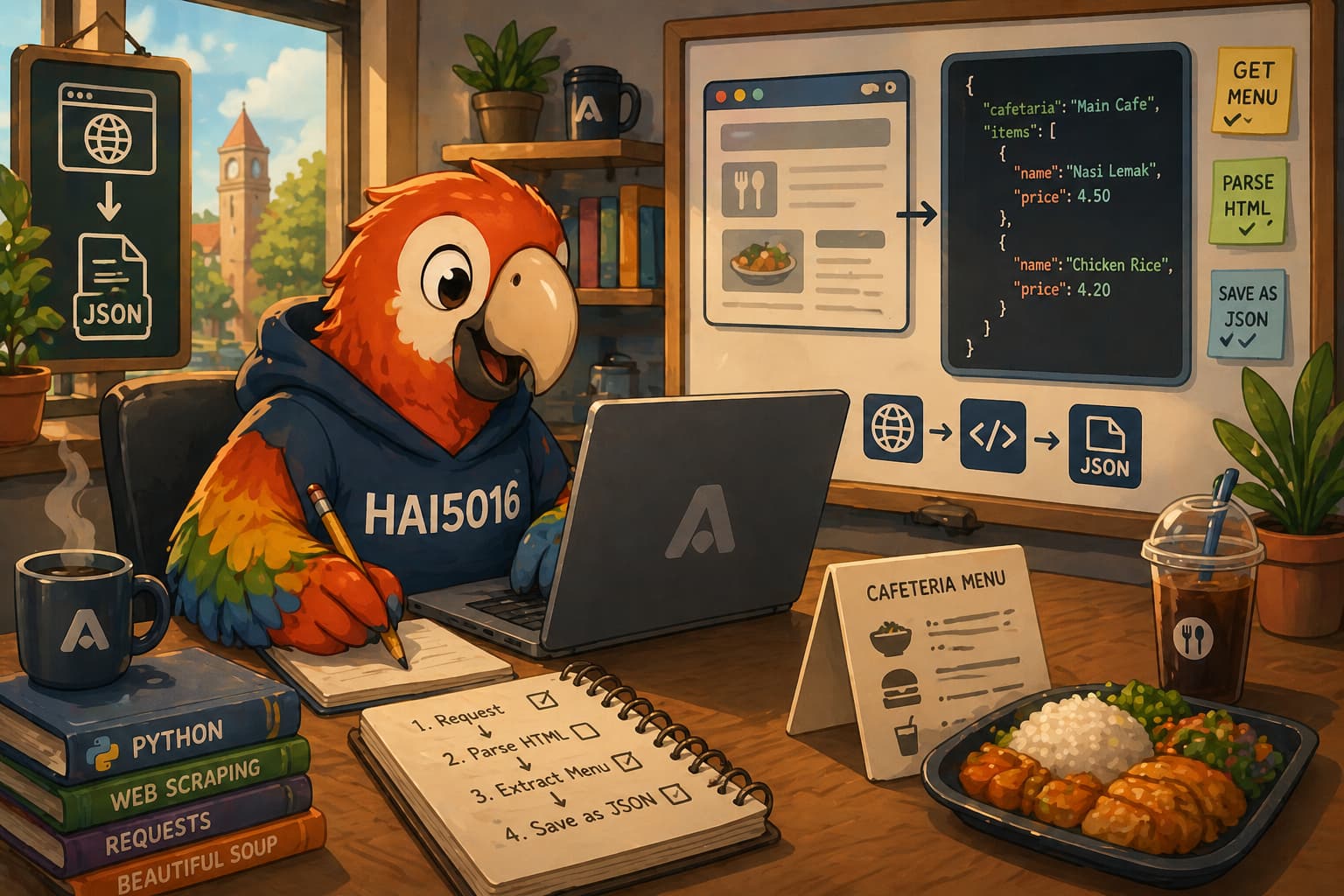
In a previous class we deployed a model on Azure Foundry and sent it some questions directly through the API. That was great, but an LLM itself can only work with whatever you feed it in the promp...

Last week we deployed a cheap model on Azure Foundry and tested it with a simple prompt. This week we are going to put it to use: we are going to scrape the menu data from our university cafeteria ...

At the beginning of the semester we activated our student perks for several cloud platforms, including Microsoft Azure, GitHub and Google Cloud. We can put our $100 Azure credits to work in Microso...